
Online in three steps.
From “where am I going?” to “I'm connected” in about a minute. No store visits, no roaming bills, no plastic SIM to swap.
Choose your destination & plan
Search 190+ countries and pick a data plan — fixed gigabytes or unlimited. You'll see the exact price, validity and networks before you pay.

Install your eSIM in a tap
We email your QR code instantly. Scan it or tap install in the beamSIM app while you're on Wi-Fi — the whole thing takes about a minute.
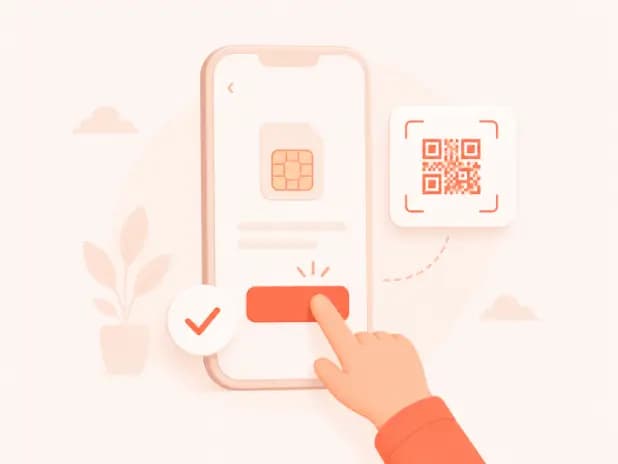
Land, switch on & connect
When you arrive, turn on data roaming for your beamSIM line. Your plan activates automatically and you're online at local speeds.

Install guide
Pick your phone and follow along. You'll only do this once per trip.
Open Settings
Go to Settings → Mobile Service → Add eSIM, then choose “Use QR Code”.
Scan your QR
Point your camera at the QR code from your beamSIM email. Your phone adds the plan automatically.
Turn on at your destination
Label it “beamSIM”, set it as your data line, and switch on Data Roaming when you land.
Made to be effortless
Install now, travel later
Set up at home on Wi-Fi. Your plan only starts counting when you arrive and connect.
Top up in seconds
Running low? Add data from the app in a couple of taps — no new QR codes needed.
Stuck? We've got you
Email our team and a real person helps you get connected — we aim to resolve every issue within 48 hours.